

Regression testing is one of the most undervalued disciplines in software development. Done well, it acts as a safety net that catches bugs before they ever reach your users. Done poorly, or skipped altogether, it can turn a perfectly reasonable code change into a production nightmare. This guide walks you through everything you need to know to master regression testing, from understanding the basics right through to building habits that will make you a sharper, more reliable tester.
What is Regression Testing?
Regression testing is the process of verifying that recent code changes have not broken any existing functionality in your application. The word “regression” refers to a bug that was previously fixed, or functionality that previously worked, which has since broken due to new code being introduced. Think of it this way: you fix a bug in your checkout process, but in doing so you inadvertently break the login form. A solid regression test catches that. Without one, that login bug ships to production and your users are the ones who find it first. A good example of a regression is with the CloudFlare outage that happened in 2022.
Regression testing can be manual, automated, or a combination of both. It applies across all types of software projects, whether you are building a web application, a mobile app, or an API. The key principle is consistent: before you release anything, you verify that what worked before still works now.
Why Do Developers Often Miss Regression Bugs?

This is one of the most important questions in quality assurance. If regression bugs are so common, why are they so frequently missed? The answer usually comes down to a few recurring factors.
The Ripple Effect of Code Changes
Modern software is deeply interconnected. Changing one function, database table, or API endpoint can have consequences that ripple across many other parts of the application. Developers naturally focus on the area they are working in, and it is easy to overlook how a small change might affect a completely unrelated feature elsewhere.
For example, modifying a utility function that formats dates might seem harmless in isolation. But if that function is used across invoices, reports, and email notifications, the impact of getting it slightly wrong can be widespread and hard to trace.
Time Pressure and Incomplete Test Coverage
Development timelines are often tight. When a deadline looms, testing is frequently the first thing to be compressed. Developers may run a quick smoke test on the feature they just built but skip a broader check of adjacent functionality. On top of that, many projects lack comprehensive test coverage. Without a clear map of what has been tested and what has not, it is very easy for regressions to slip through unnoticed. This is why having a structured approach to quality assurance is so important, not just during a sprint but as an ongoing discipline.
Cognitive Bias
There is also a psychological element worth acknowledging. When a developer writes code, they inherently expect it to work as intended. This makes it harder to approach testing with the mindset of someone genuinely trying to break the software. Regressions often hide in edge cases and unexpected interactions that are easy to overlook when you are close to the work.
How to Be a Better Regression Tester
Improving your regression testing does not require expensive tooling or a complete overhaul of your workflow. Often, the biggest gains come from building better habits and being more methodical about how you approach change. Here are the steps that make the biggest difference.
Step 1: Document Every Change You Make
One of the most effective habits you can build is to keep a running log of every file, function, database table, or configuration you touch during a piece of work. This sounds simple, but it is something most developers skip.
As you work, note down:
- Which files you have modified
- Which functions or methods you have added or changed
- Which database tables or columns are affected
- Any third-party services or APIs that the change touches
At the end of a task, this list becomes your starting point for regression testing. You know exactly where your changes live, which means you can trace the potential impact far more effectively than if you are working from memory alone. This is a habit that pays off quickly. Even a rough list in a text file or a ticket comment gives you something concrete to work from, rather than trying to mentally retrace your steps at the end of a busy day.
Step 2: Identify The Highest-Risk Areas
Once you have your change log, the next step is to identify which areas of the application are most at risk. Not all parts of an application carry equal risk. The areas to prioritise include:
- Features that rely directly on the functions or data you have changed
- Core user journeys such as login, checkout, or account management
- Any integrations with external services or third-party APIs
- Shared utilities or helper functions used across multiple modules
By focusing your testing effort on the highest-risk areas first, you make your regression testing both faster and more effective.
Step 3: Use The Right Tools

Having the right tools in your testing toolkit makes a significant difference to both the speed and thoroughness of your regression testing. Here are a few worth knowing about.
FakeFiller
FakeFiller is a browser extension that automatically fills in web forms with realistic fake data. This is incredibly useful for regression testing forms, because it removes the tedious manual effort of entering test data by hand. With FakeFiller, you can populate a complex registration or checkout form in seconds, freeing you up to focus on verifying the output and behaviour rather than typing into fields.
It is particularly handy when you need to run through a form multiple times with different data sets, or when you are checking that form validation still behaves correctly after a code change. It is a small tool, but it saves a surprising amount of time.
Browser DevTools
Your browser’s built-in developer tools are indispensable for regression testing. Use the console to spot JavaScript errors, the network tab to verify that API calls are behaving as expected, and the elements panel to check that the DOM structure has not changed in unexpected ways. These are free, always available, and underused by a lot of developers doing manual testing.
Other Tools
There are a lot of tools out there which have the capability of making your testing processes significantly more efficient. For more details into FakeFiller, other tool ideas and for more productivity tips, Cosima has some great tips in this article.
Another amazing tool is of course AI like Claude. This is fantastic for use in testing and using this technology in our development processes is something we have explored recently.
Step 4: Build a Regression Test Plan
A regression test plan does not need to be a lengthy formal document. It can be as simple as a checklist of the key user journeys and functionality that need to be verified before a release. What matters is that it exists and that it is used consistently.
A good regression test plan covers:
- The core features of the application and how to test them
- Known fragile areas or previous bug hotspots
- The test data required to run each scenario
- Any environment-specific considerations to be aware of
Keeping this as a living document that your team updates over time means that knowledge about your application is not locked inside individual developers’ heads. When someone new joins the team, or when you come back to a project after a long break, that document is worth its weight in gold.
Step 5: Test Across Different Environments and Devices
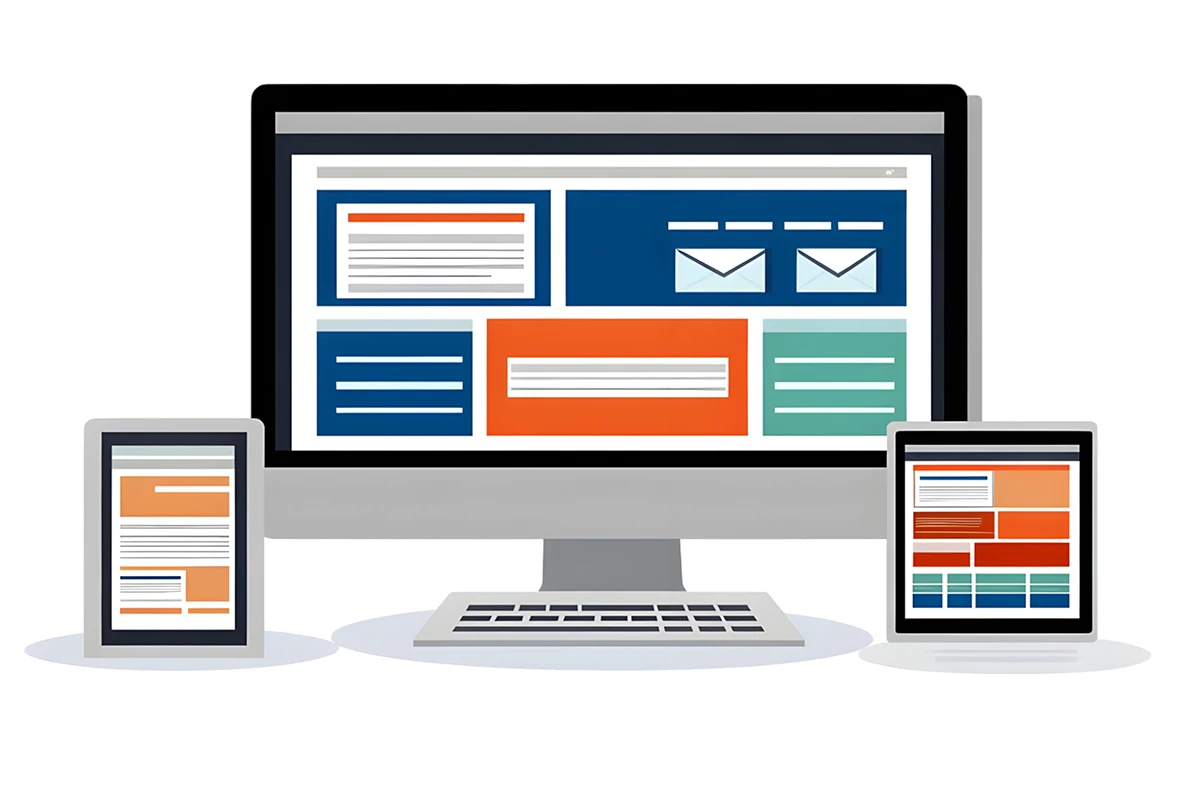
Regressions do not always show up in your development environment. A change that works fine locally might behave differently in staging, or on a specific browser or device. Make a habit of testing in an environment that mirrors production as closely as possible, and include cross-browser and cross-device checks where the application warrants it.
This is an area where shortcuts tend to come back to bite you. A layout that looks perfect on Chrome on a MacBook can fall apart on Safari on an iPhone, or on an older version of Edge. If your users are spread across devices and browsers, your regression testing should be too.
Common Regression Testing Mistakes to Avoid
Even experienced testers fall into patterns that reduce the effectiveness of their regression testing. Here are the most common pitfalls to watch out for.
Testing only what you changed – It is tempting to limit your testing to the code you directly touched. But regressions by definition happen elsewhere, in the parts of the application affected by your changes. Always expand your testing beyond the immediate change.
Not testing edge cases – Standard happy-path testing will only take you so far. Make sure you are testing boundary conditions, empty states, error paths, and unexpected user inputs as well. These are where regressions most commonly hide.
Skipping regression testing under time pressure – Skipping regression testing to meet a deadline nearly always costs more time in the long run. A regression bug in production is far more expensive to find, diagnose, and fix than one caught before release. It also damages user trust in ways that are harder to quantify.
Final Thoughts
Mastering regression testing is less about following a rigid process and more about developing a mindset of careful, methodical attention to change. The most effective regression testers are the ones who document what they touch, think critically about the wider impact of their changes, and build testing habits that become second nature over time.
The steps in this guide are ones that work in practice, not just in theory. Track your changes as you go. Map out the risk areas. Use tools like FakeFiller to take the friction out of manual testing. Build a test plan your team can rely on. And always, always test beyond the thing you just changed.
Software quality is not a phase at the end of a project; it is a habit you build throughout. The developers and testers who master regression testing are the ones who ship with confidence, and whose users notice the difference.